
Add White Background to Product Photos
Create professional product photos with clean white backgrounds. Perfect for Amazon, eBay, Shopify, and all e-commerce platforms.
Upload Product Image
Drag and drop or click to upload
JPG, PNG, WEBP • Max 10MB
or try an example
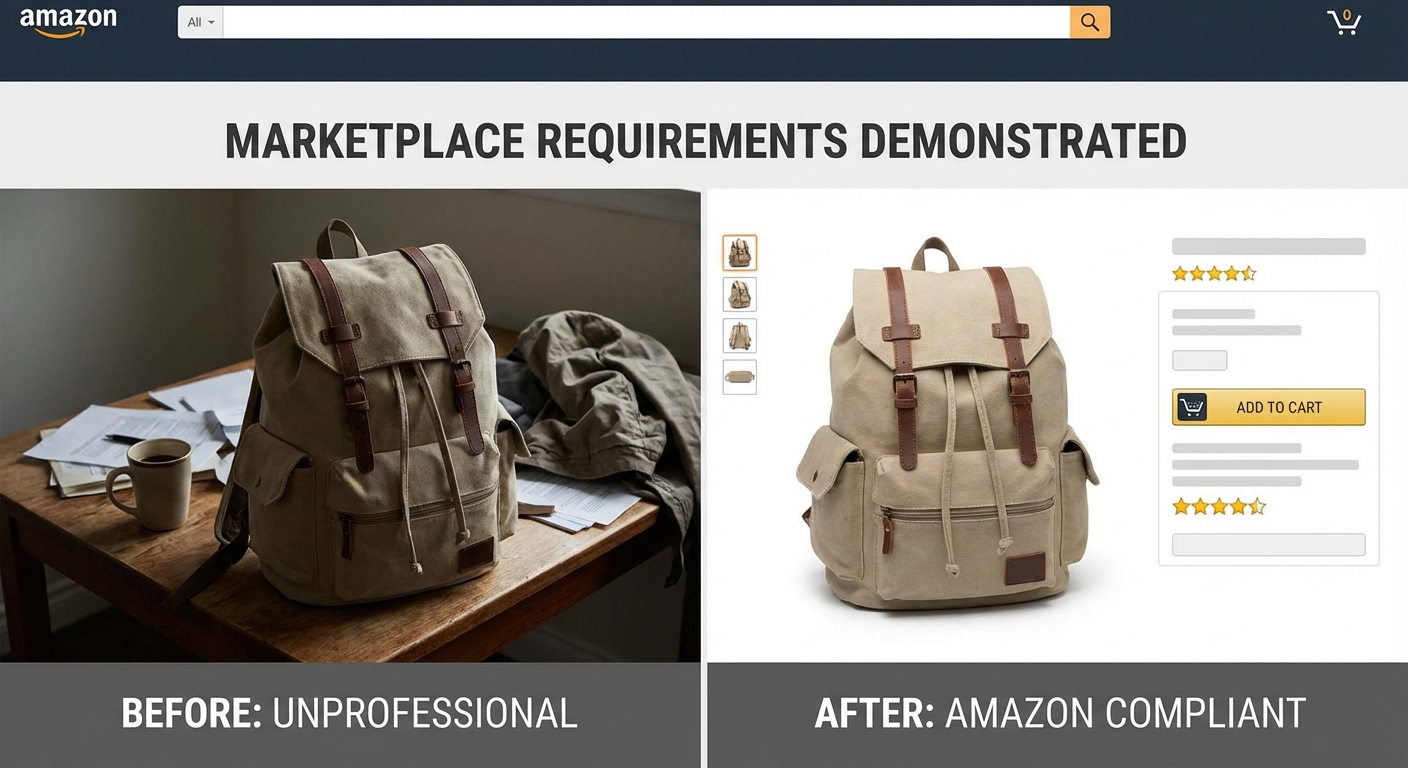
Meet e-commerce platform requirements instantly
Amazon, eBay, Shopify, Etsy—all major marketplaces require clean white backgrounds for product listings. Our AI automatically detects your product and replaces any background with pure white (#FFFFFF), meeting all platform requirements. No more rejected listings or hours spent in Photoshop.
Add white background free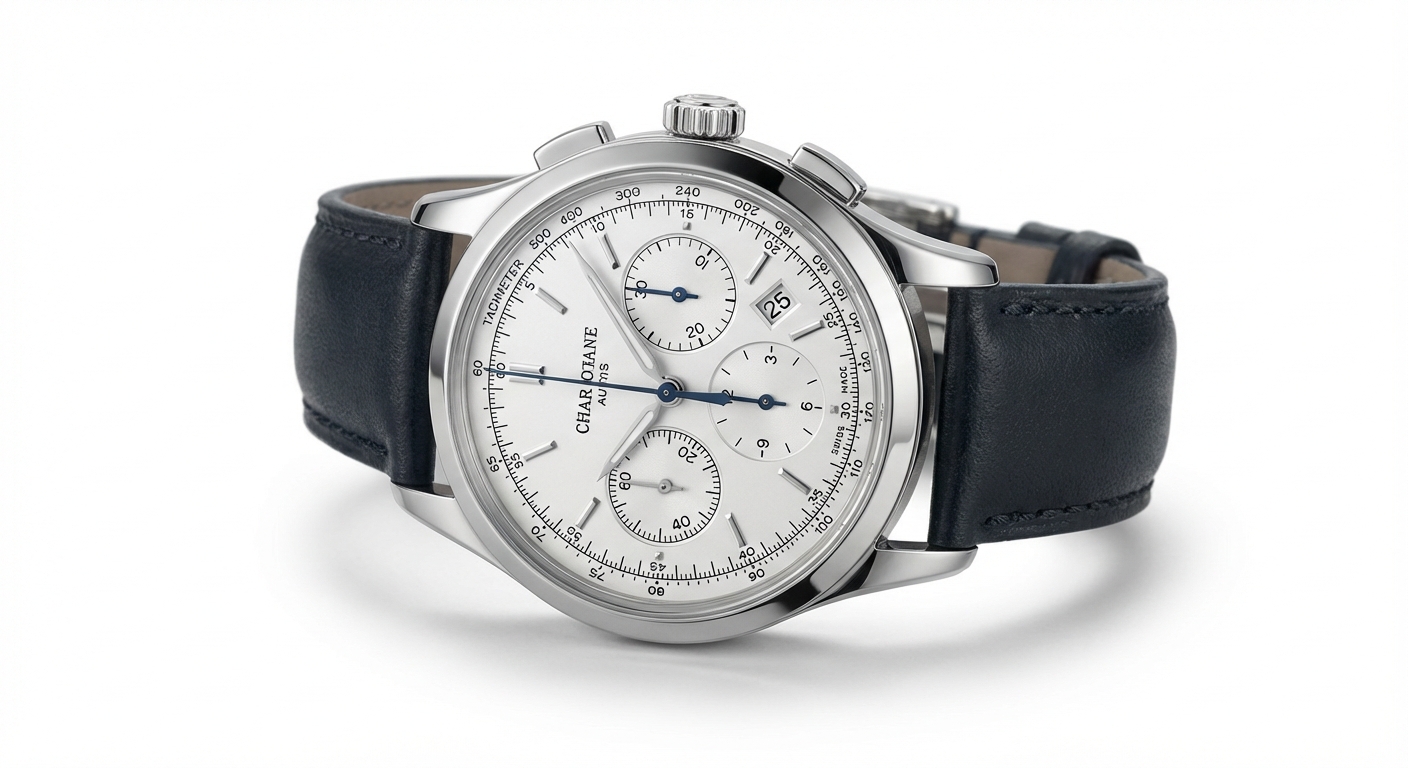
Professional product photography, without the studio
Get studio-quality product photos without expensive equipment or professional photographers. Our AI creates pixel-perfect edges around your products, handling everything from smooth surfaces to complex textures. The result? Product images that look like they came from a professional photo studio.
Try it now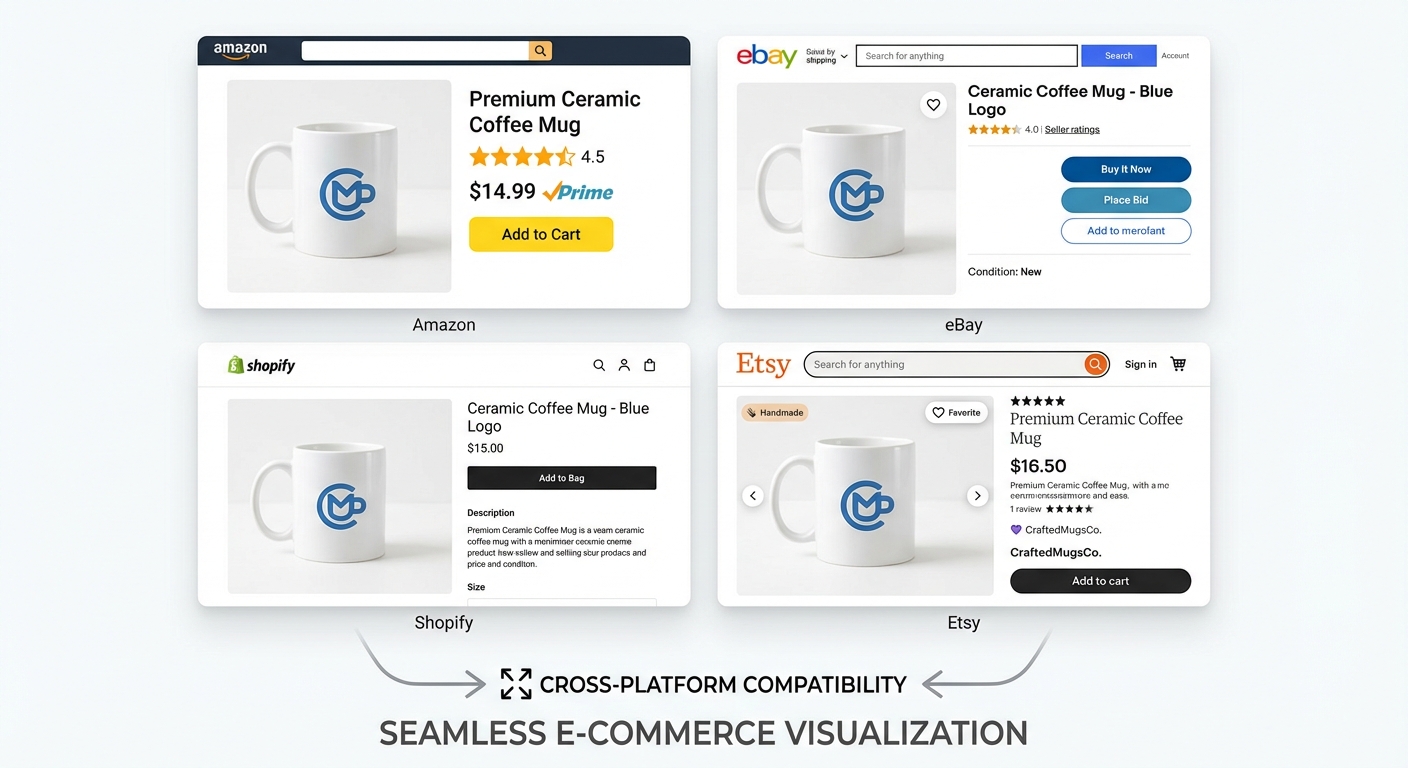
Perfect for every marketplace
Create product images optimized for all major e-commerce platforms with a single click. Our white background output meets the requirements of:
- Amazon (pure white background required)
- eBay (clean product presentation)
- Shopify (professional storefront)
- Etsy (marketplace-ready images)
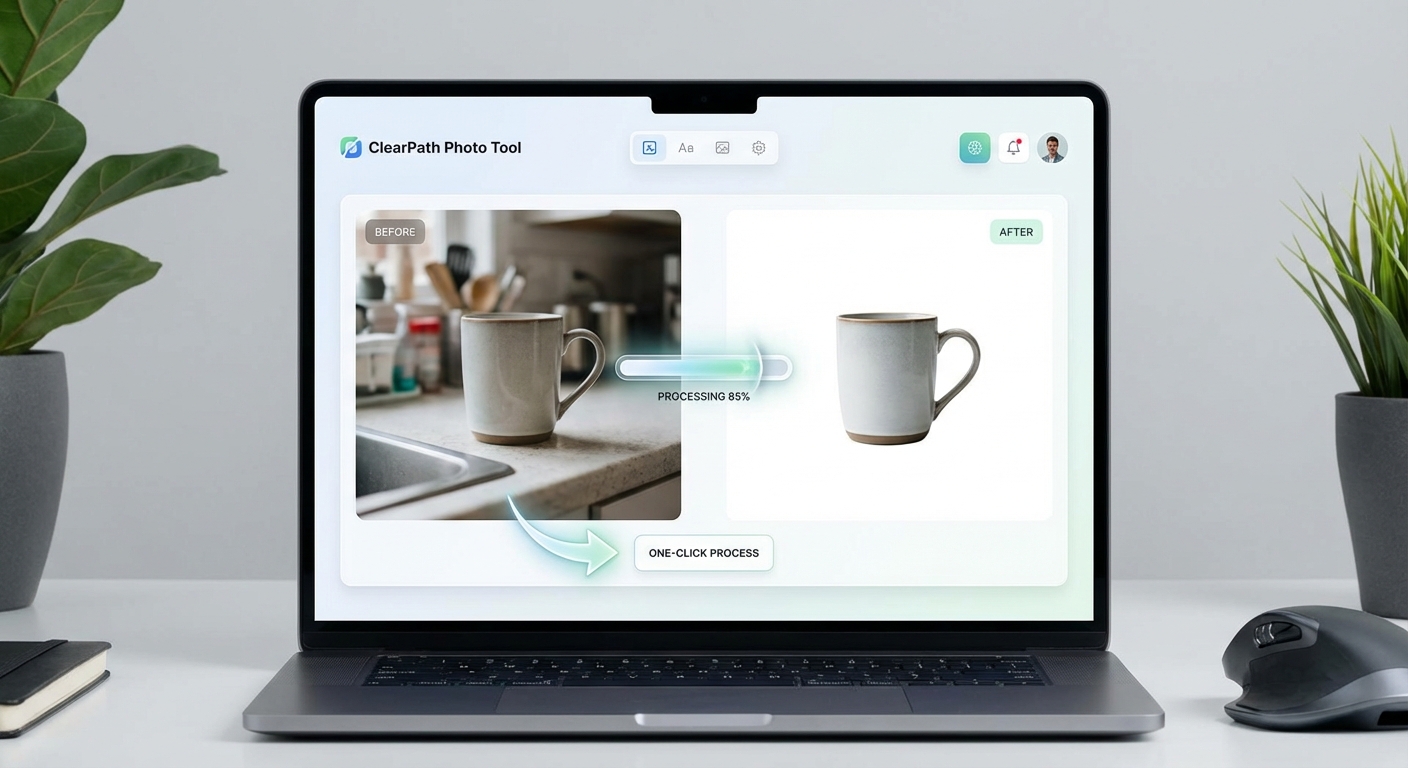
Professional results at a fraction of the cost
Why pay for expensive photo editing services or hire photographers? Our AI delivers professional white background results in seconds. Sign up free and get 5 credits to try it out. Each image uses just 1 credit. When you're ready for more, our affordable plans let you process hundreds of products without breaking the bank.
Get started freeTrusted by Online Sellers
Our white background tool is used by e-commerce sellers and product photographers worldwide
Precise product detection
Fast background replacement
Meets all marketplace requirements
Exact #FFFFFF output
Join thousands of sellers who trust our AI for professional product photos
How to Add White Background in 3 Steps
Transform any product photo into a professional e-commerce image
Upload Product Photo
Upload your product image or drag and drop. Supports JPG, PNG, and WEBP up to 10MB.
AI Processing
Our AI removes the background and adds a clean, pure white (#FFFFFF) background.
Download & Sell
Download your professional product image, ready for any e-commerce platform.
Supported Formats
Maximum file size: 10MB
White Background Use Cases
From Amazon to Shopify, create professional product photos for any platform
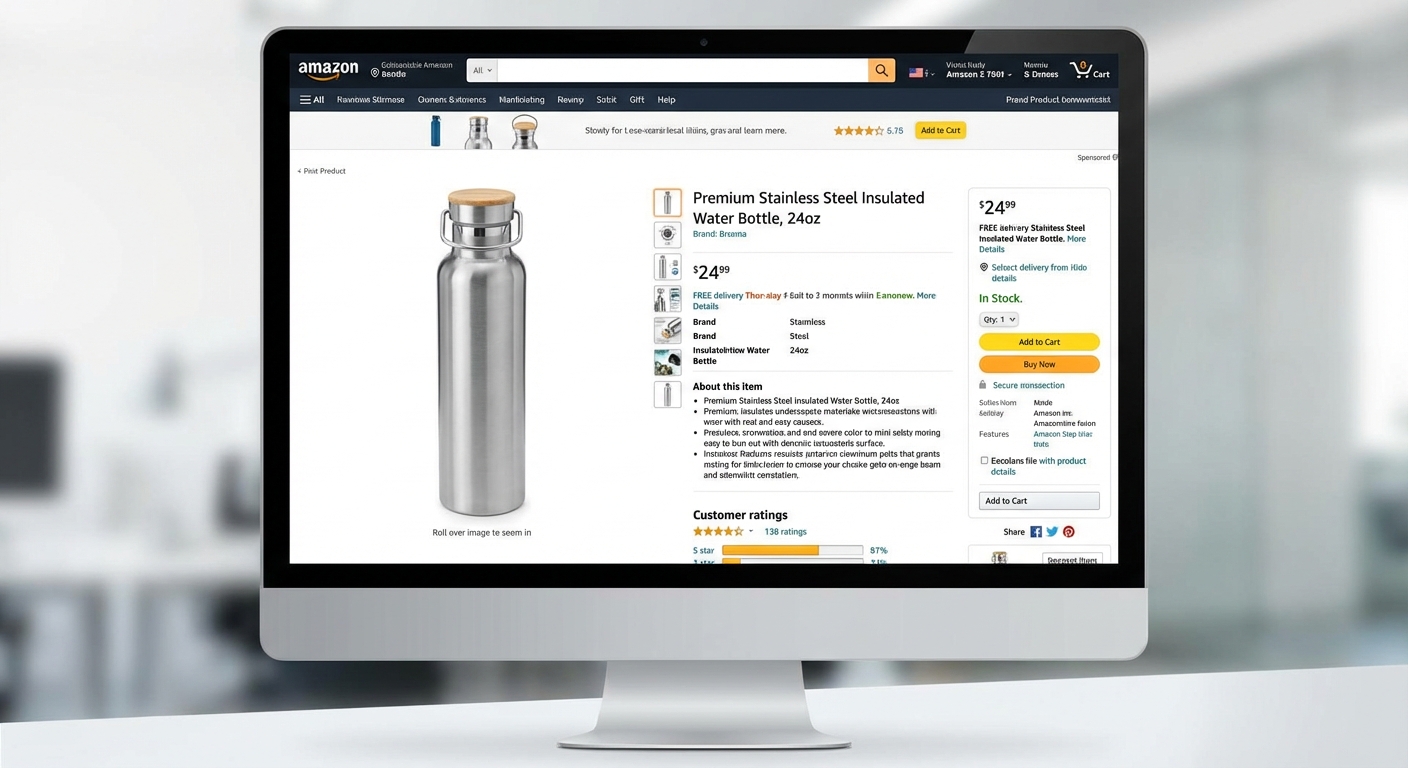
Amazon Listings
Meet Amazon's pure white background requirement. Create main images that comply with their strict guidelines and increase your listing visibility.
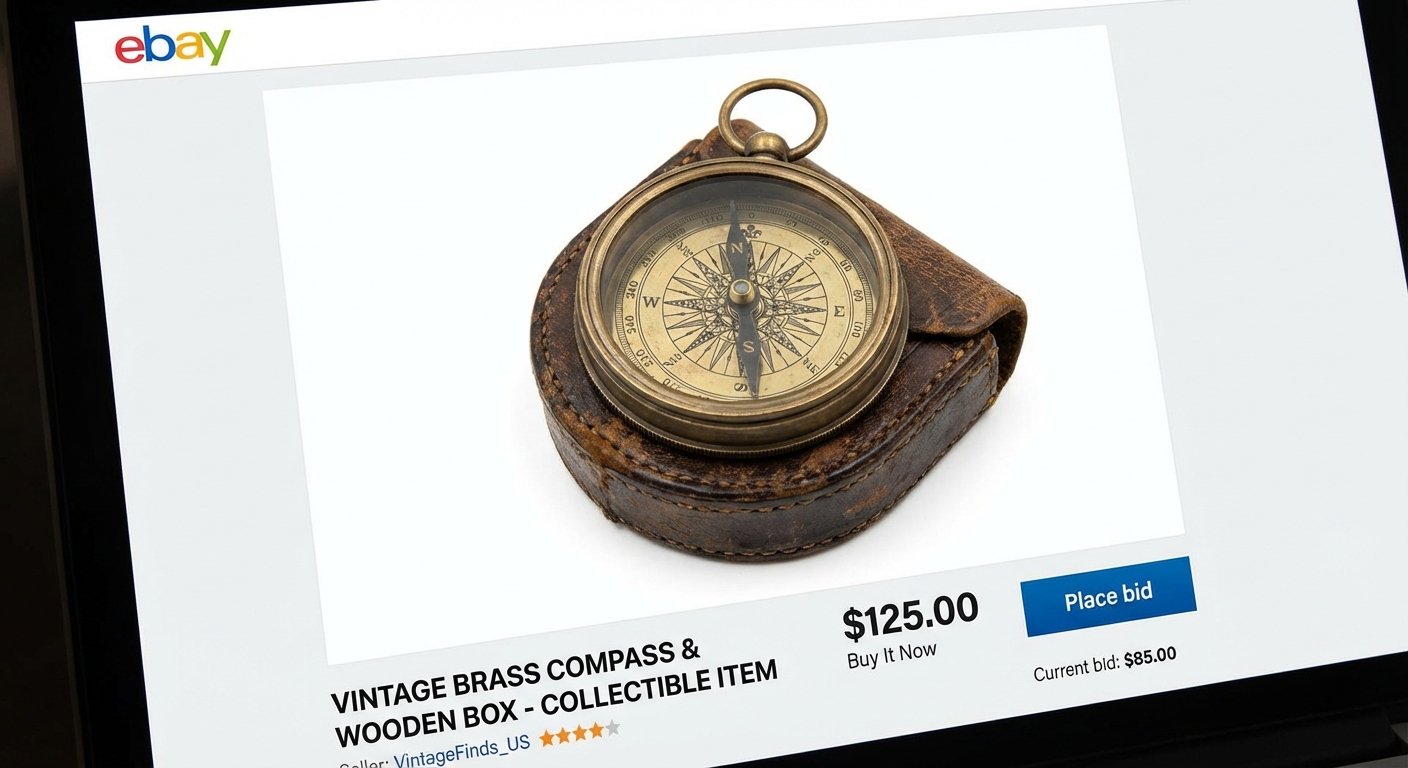
eBay Auctions
Clean, professional product photos that help your listings stand out. White backgrounds increase buyer confidence and bids.
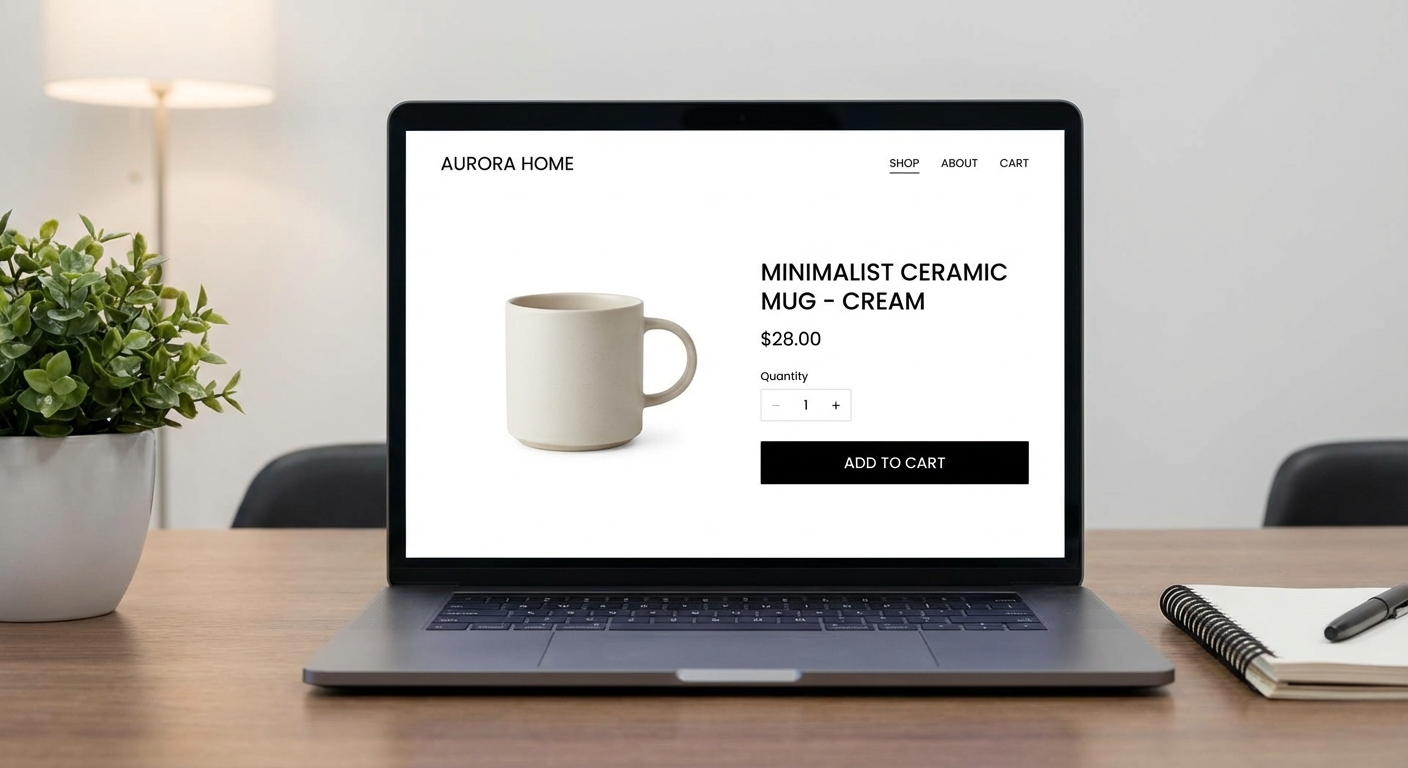
Shopify Stores
Create a cohesive, professional storefront with consistent white background product images across your entire catalog.
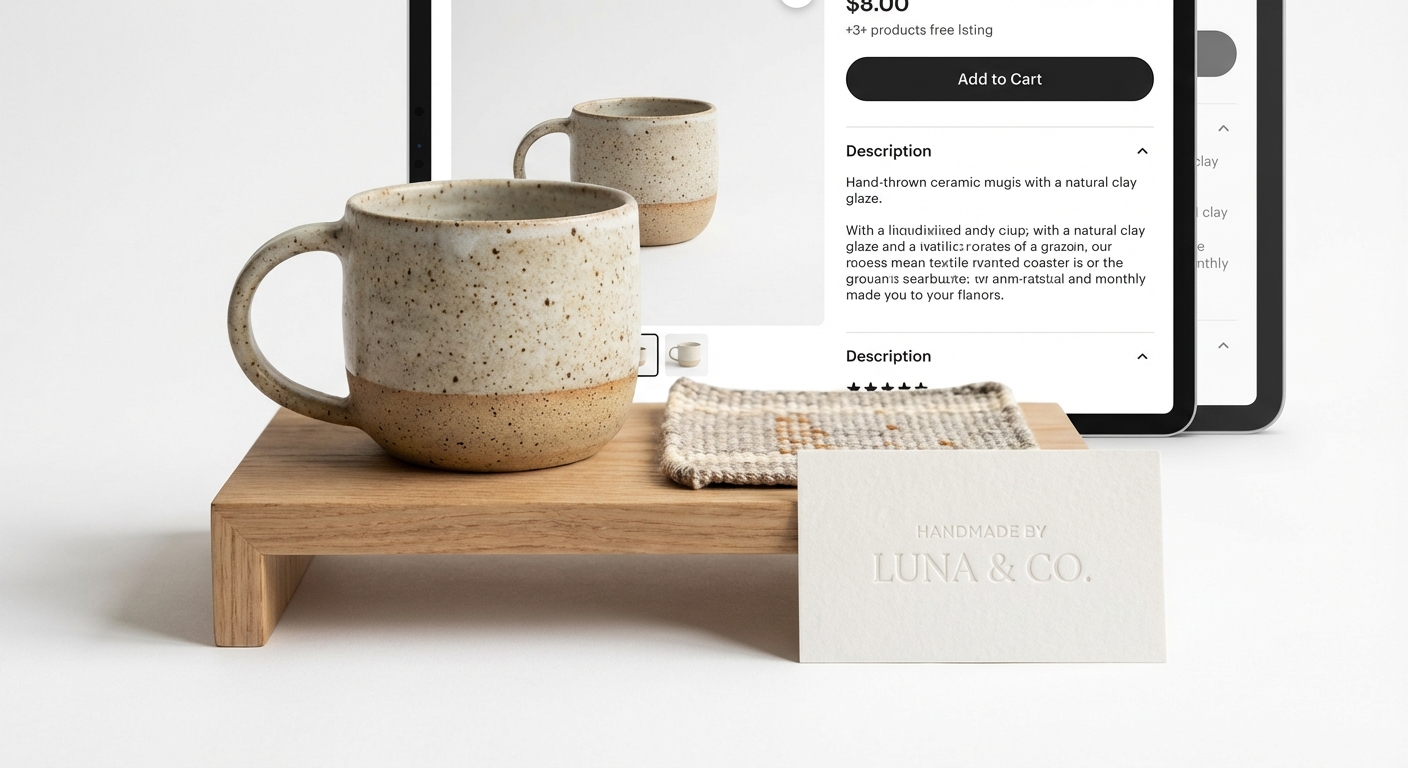
Product Photography
Professional product shots without expensive studio equipment. Perfect for catalogs, lookbooks, and marketing materials.
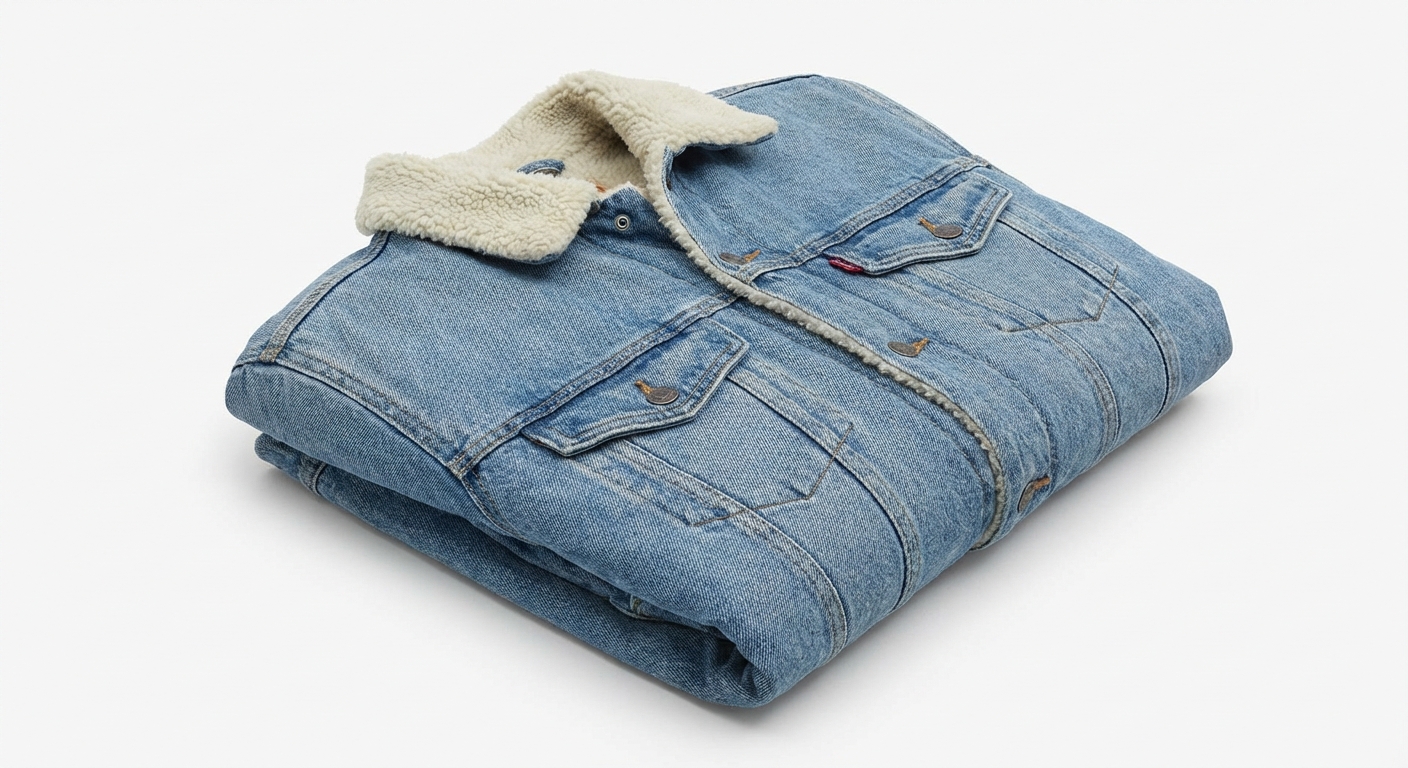
Fashion & Apparel
Showcase clothing and accessories with clean white backgrounds. Ideal for fashion brands and clothing retailers.
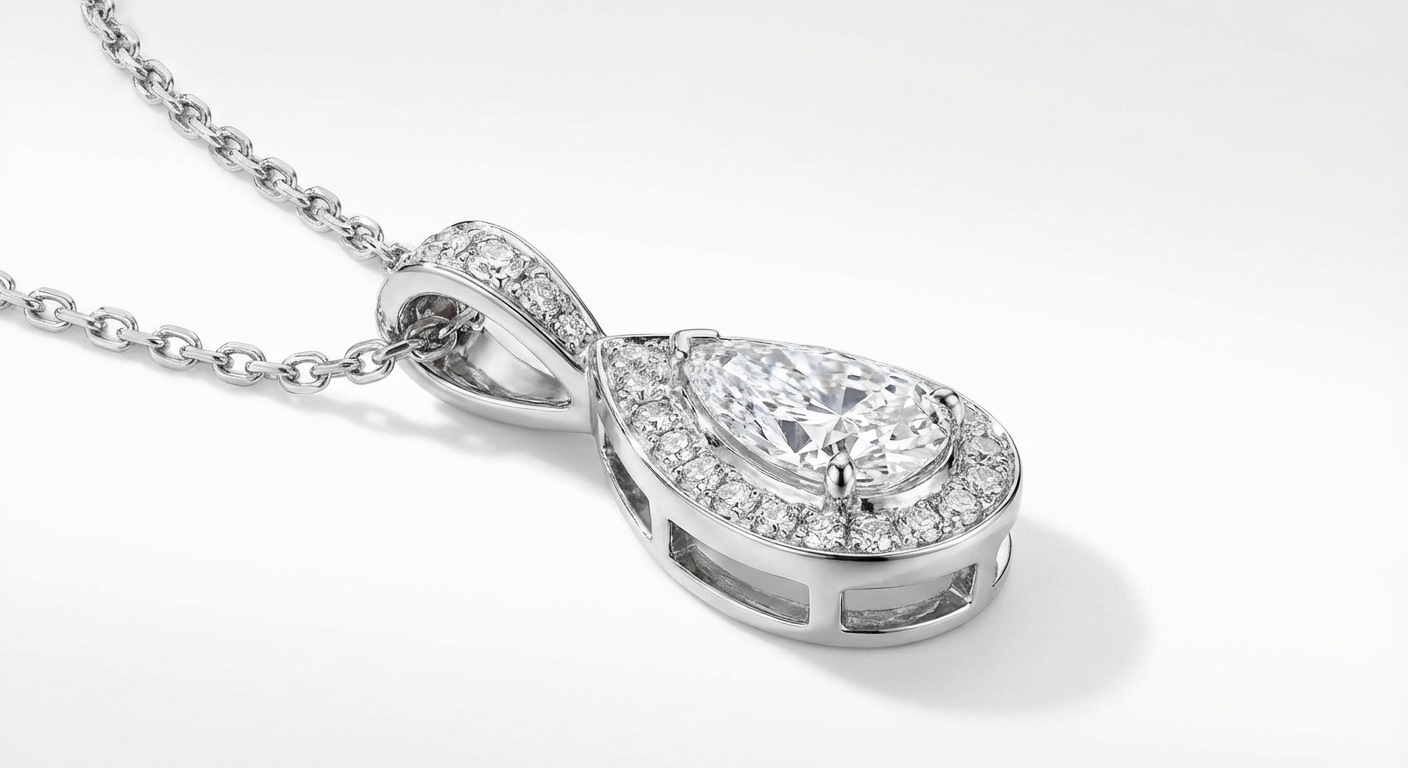
Jewelry & Accessories
Highlight the details of jewelry and small accessories. White backgrounds make precious items shine.
How Nano Banana 2 Compares to Other White Background Tools
See how our AI white background tool stacks up against popular alternatives
Adding a clean white background to product photos is essential for e-commerce success. Here is how Nano Banana 2 White Background compares to the leading solutions available today.
Nano Banana 2 vs Remove.bg
Remove.bg excels at background removal but outputs transparent backgrounds by default — you still need to add a white background in a separate step. Free downloads are limited to low resolution (up to 0.25 megapixels). Nano Banana 2 provides a complete one-step solution: remove the background and add a pure white background in a single click, with full-resolution output included. Perfect for sellers who need marketplace-ready photos fast.
Nano Banana 2 vs PhotoRoom
PhotoRoom is a popular mobile-first solution for product photography with templates, batch processing, and built-in backgrounds. While powerful, it requires a Pro subscription ($12.99/month) for full features and is primarily designed for mobile workflows. Nano Banana 2 offers dedicated white background generation through a simple web interface at a fraction of the cost — upload, process, download, done.
Nano Banana 2 vs AutoClipping
AutoClipping provides batch background removal with white background options, targeting high-volume e-commerce sellers. However, its plans start at $14.99/month and the interface can be overwhelming for occasional users. Nano Banana 2 keeps it simple with pay-per-use pricing — no subscription, no minimum volume. Perfect for individual sellers or small businesses who need professional white backgrounds without committing to monthly fees.
Nano Banana 2 White Background is purpose-built for e-commerce sellers who need marketplace-compliant product photos. One click, full resolution, pure white background — no subscription required.
Tips & Best Practices for White Background Photos
Create professional product photos that meet marketplace standards with these expert tips
Photograph with Even, Diffused Lighting
Even lighting reduces harsh shadows and makes AI background removal more accurate. Use a lightbox, two soft light sources on either side, or photograph near a large window with diffused natural light. Avoid direct flash which creates hard shadows.
Center Your Product with Padding
Place your product in the center of the frame with adequate white space around all edges. This gives the AI clear boundaries for separation and ensures the final image meets marketplace requirements for padding and positioning.
Keep Consistent Image Dimensions
Use the same image dimensions across all your product listings for a professional, cohesive storefront. Most marketplaces recommend square images (1000x1000 or 2000x2000 pixels). Consistency builds brand trust.
Verify Pure White (RGB 255,255,255)
Amazon and other marketplaces require pure white backgrounds (RGB 255,255,255). Our AI generates exactly this. If you are editing further, ensure your white background stays pure — off-white tones can cause listing rejections.
Upload the Highest Resolution Available
Start with the highest resolution source photo you have. More pixels mean better edge detection around your product and a more professional final result. Aim for at least 1500px on the shortest side.
Know Your Platform's Image Requirements
Different platforms have different requirements. Amazon requires pure white backgrounds and 1000+ pixels. eBay recommends white backgrounds but allows others. Shopify is flexible. Process your photos according to where they will be listed.
Consider Adding a Subtle Drop Shadow
After creating your white background image, consider adding a subtle drop shadow in post-processing. A soft shadow under the product can make it appear more natural and three-dimensional on a white page.
Do a Final Quality Check on White
Before uploading to marketplaces, view your product image on a white webpage to check for any halo effects, missed edges, or color fringing around the product. Zoom to 100% and inspect critical areas like hair, transparent elements, or intricate details.
Need more than white backgrounds? Create lifestyle scenes, seasonal themes, and ad-ready product photos.
Explore More AI Tools
Discover our complete suite of AI photo editing tools
White Background FAQ
Everything you need to know about adding white backgrounds to product photos
Ready to create professional product photos?
Get started for free. No credit card required. Sign up and receive 5 free credits instantly.
No credit card required • 5 free credits • Perfect for Amazon, eBay, Shopify
Powered by Nano Banana 2 — the free AI image generator by Google Gemini.